// v5 — growth layer (2026-09-19, the marketing-exec round):
//   V5Capabilities   home: the three practices, before "Up next" (2026-09-19: name + one line + link; Product opens /outdoorsy, Brand systems /garden-variety, AI design engineering the /about section)
//   V5LogoWall       /about: the brands, after the six lenses
//   V5AIEngineering  /about: AI design engineering in practice + the three teardowns (modal / full screen)
//   V5Capture        /contact: the book for an email
// Reads window.V5_TEARDOWNS (src/v5-teardowns-data.js) on /about. Styles in src/v5-growth.css.

const V5_CAPS = [
{ n: "01", k: "Product", d: "Apps, platforms, and design systems.", href: "/outdoorsy", cursor: "Outdoorsy" },
{ n: "02", k: "Brand systems", d: "Identity, packaging, retail, and campaigns.", href: "/garden-variety", cursor: "Garden Variety" },
{ n: "03", k: "AI design engineering", d: "Runnable prototypes, component code, and AI-built tools.", href: "/about#ai-design-engineering", cursor: "Three teardowns" }];


const V5Capabilities = () => {
  const rowRef = useRef(null);
  useEffect(() => {
    const el = rowRef.current;if (!el) return;
    const io = new IntersectionObserver(([e]) => {
      if (e.isIntersecting) {
        el.querySelectorAll(".v5-caps-card").forEach((c, i) => { c.style.setProperty("--d", `${i * 110}ms`); c.classList.add("is-in"); });
        io.disconnect();
      }
    }, { threshold: 0.2 });
    io.observe(el);
    return () => io.disconnect();
  }, []);
  return (
    <section id="what" className="v5-caps" data-screen-label="What I do">
      <div className="v4-container">
        <header className="v5-caps-head">
          <h2 className="v5-caps-title" data-cursor="What I do">
            <WordReveal text="What I do." stagger={50} />
          </h2>
        </header>
        <div className="v5-caps-row" ref={rowRef}>
          {V5_CAPS.map((c) =>
          <a key={c.k} href={c.href} className="v5-caps-card" data-cursor={c.cursor} data-cursor-style="cta">
              <span className="v5-caps-n">{c.n}</span>
              <span className="v5-caps-k">{c.k}</span>
              <span className="v5-caps-d">{c.d}</span>
              <span className="v5-caps-go">See the work <span aria-hidden="true">→</span></span>
            </a>
          )}
        </div>
      </div>
    </section>);

};

// The wall: real marks, one cream, on the page ground. `fit` balances square marks against wide wordmarks.
const V5_WALL = [
{ id: "apple", name: "Apple" }, { id: "adobe", name: "Adobe" }, { id: "airbnb", name: "Airbnb" }, { id: "logitech", name: "Logitech" }, { id: "target", name: "Target", fit: "wide" }, { id: "disney", name: "Disney", fit: "tall" },
{ id: "kodak", name: "Kodak" }, { id: "schwazze", name: "Schwazze", fit: "tall" }, { id: "martha", name: "Martha Stewart", fit: "tall" }, { id: "pepsico", name: "PepsiCo", fit: "round" }, { id: "jimmy-johns", name: "Jimmy John’s", fit: "round" }, { id: "new-belgium", name: "New Belgium", fit: "round" }, { id: "outdoorsy", name: "Outdoorsy" },
{ id: "native-roots", name: "Native Roots", fit: "wide" }, { id: "garden-variety", name: "Garden Variety", fit: "tall" }, { id: "greatest-hits", name: "Greatest Hits" }, { id: "mariannes", name: "Marianne’s Harvest" }, { id: "psychedelic-science", name: "Psychedelic Science" }, { id: "somatic", name: "Somatic", fit: "mid" },
{ id: "sherpa", name: "Sherpa" }, { id: "luckytruck", name: "LuckyTruck", fit: "wide" }, { id: "ifit", name: "iFIT" }, { id: "authentic", name: "Authentic" }, { id: "hemworks", name: "Hemworks", fit: "wide" }, { id: "true-swing", name: "True Swing", fit: "mid" }];


const V5LogoWall = () => {
  return (
    <section id="brands" className="v5-wall" data-screen-label="The brands">
      <div className="v4-container">
        <header className="v5-wall-head">
          <h2 className="v5-wall-title" data-cursor="The pedigree">
            <WordReveal text="Brands I’ve worked with." stagger={50} />
          </h2>
          <p className="v5-wall-lede">
            <FadeIn delay={300}>I worked inside some, led client work for others, and helped build a few from a blank page.</FadeIn>
          </p>
        </header>
        <FadeIn delay={200}>
          <div className="v5-wall-grid" role="list">
            {V5_WALL.map((b) =>
            <div key={b.id} className={`v5-wall-cell ${b.fit ? "is-" + b.fit : ""}`} role="listitem" data-cursor={b.name}>
                <img src={`/assets/logos-light/wall/${b.id}.webp`} alt={b.name} loading="lazy" decoding="async" />
              </div>
            )}
          </div>
        </FadeIn>
      </div>
    </section>);

};

// The reader: a centred panel on desktop, the whole screen on a phone. ESC, the backdrop and the
// close button all close it; the hash carries the open article so it can be linked.
const V5TeardownModal = ({ td, onClose, onNext }) => {
  const closeRef = useRef(null);
  useEffect(() => {
    document.documentElement.classList.add("v5-td-open");
    const onKey = (e) => { if (e.key === "Escape") onClose(); };
    document.addEventListener("keydown", onKey);
    if (closeRef.current) closeRef.current.focus();
    return () => { document.documentElement.classList.remove("v5-td-open"); document.removeEventListener("keydown", onKey); };
  }, []);
  return (
    <div className="v5-td-modal" onMouseDown={(e) => { if (e.target === e.currentTarget) onClose(); }}>
      <div className="v5-td-panel" role="dialog" aria-modal="true" aria-label={td.title}>
        <button ref={closeRef} type="button" className="v5-td-close" onClick={onClose} aria-label="Close" data-cursor="Close" data-cursor-style="nav">×</button>
        {td.hero &&
        <figure className="v5-td-hero">
          {td.hero.video ?
          <video poster={td.hero.poster} autoPlay muted loop playsInline preload="metadata" aria-label={td.hero.caption}>
            <source src={td.hero.video} type="video/mp4" />
            <source src={td.hero.video.replace(/\.mp4$/, ".webm")} type="video/webm" />
          </video> :
          <img src={td.hero.image} alt={td.hero.caption || ""} />}
          {td.hero.caption && <figcaption>{td.hero.caption}</figcaption>}
        </figure>}
        <article className="v5-td-art" dangerouslySetInnerHTML={{ __html: td.body }} />
        <nav className="v5-td-nav">
          <button type="button" onClick={onClose}>← Back to the practice</button>
          <button type="button" onClick={onNext}>Next teardown →</button>
        </nav>
      </div>
    </div>);

};

const V5_ENG_LEDE = "I use AI to turn real source material into working software. A car scan becomes a cut file. Blueprints become a 3D walkthrough. A syllabus becomes a course platform.";

// One project: the label, the title, one line, and "Open project", which opens the teardown.
const V5EngProject = ({ t, onRead }) => {
  return (
    <article className="v5-td-card" id={`eng-${t.id}`} data-cursor={`Project · ${t.name}`}>
      <span className="v5-td-eyebrow">{t.name}</span>
      <h3 className="v5-td-title">{t.title}</h3>
      <p className="v5-td-dek">{t.dek}</p>
      <button type="button" className="v5-td-toggle" onClick={onRead} data-cursor={t.cursor} data-cursor-style="cta">Open project</button>
    </article>);

};

const V5AIEngineering = () => {
  const list = window.V5_TEARDOWNS || [];
  const fromHash = () => { const m = /^#td-([a-z0-9-]+)$/.exec(window.location.hash || ""); return m ? list.findIndex((t) => t.id === m[1]) : -1; };
  const [open, setOpen] = useState(-1);
  useEffect(() => {
    const i = fromHash(); if (i >= 0) setOpen(i);
    const onHash = () => { const j = fromHash(); if (j >= 0) setOpen(j); };
    window.addEventListener("hashchange", onHash);
    return () => window.removeEventListener("hashchange", onHash);
  }, []);
  const show = (i) => { setOpen(i); history.replaceState(null, "", "#td-" + list[i].id); };
  const close = () => { setOpen(-1); history.replaceState(null, "", "#ai-design-engineering"); };
  return (
    <div className="v5-eng" data-screen-label="AI design engineering">
      <header className="v5-eng-head">
        <div>
          <span className="v5-eng-eyebrow">In practice</span>
          <h2 className="v5-eng-title" data-cursor="What I mean by it">
            <WordReveal text="AI design engineering." stagger={50} />
          </h2>
        </div>
        <div>
          <FadeIn delay={250}>
            <p className="v5-eng-lede">{V5_ENG_LEDE}</p>
          </FadeIn>
        </div>
      </header>

      <div className="v5-td-row">
        {list.map((t, i) =>
        <V5EngProject key={t.id} t={t} onRead={() => show(i)} />
        )}
      </div>

      {open >= 0 && list[open] && <V5TeardownModal td={list[open]} onClose={close} onNext={() => show((open + 1) % list.length)} />}
    </div>);

};

// The book for an email. FormSubmit's AJAX endpoint (no account, one activation click from the inbox
// the first time); the auto-response carries the reader and the PDF, so the promise "one email
// with the book" is kept by the service. The reader opens in a new window.
const V5_BOOK = {
  reader: "/futures-of-brand/",
  pdf: "/assets/docs/futures-of-brand/the-futures-of-brand.pdf",
  endpoint: "https://formsubmit.co/ajax/znerold@gmail.com"
};
const V5Capture = () => {
  const [state, setState] = useState("idle");
  const [email, setEmail] = useState("");
  const [err, setErr] = useState("");
  const submit = async (e) => {
    e.preventDefault();
    const hp = e.currentTarget.querySelector("input[name=_honey]");
    if (hp && hp.value) return;
    if (!/^[^@\s]+@[^@\s]+\.[^@\s]+$/.test(email)) { setErr("That email doesn’t look complete."); return; }
    setErr(""); setState("sending");
    const site = window.location.origin;
    const payload = {
      email,
      source: "The Futures of Brand · reader",
      _subject: "The Futures of Brand · " + email,
      _template: "table",
      _replyto: email,
      _autoresponse: "Here is your copy of The Futures of Brand. Read it in the page-flip reader: " + site + V5_BOOK.reader + " or download the PDF: " + site + V5_BOOK.pdf + " Thanks for reading. Chris"
    };
    try {
      const r = await fetch(V5_BOOK.endpoint, { method: "POST", headers: { "Content-Type": "application/json", "Accept": "application/json" }, body: JSON.stringify(payload) });
      await r.json().catch(() => ({}));
    } catch (x) {/* the book is not held hostage by a form service */}
    setState("done");
  };
  return (
    <section id="book" className="v5-capture" data-screen-label="The book">
      <div className="v4-container">
        <div className="v5-capture-grid">
          <div>
            <span className="v5-capture-eyebrow">The book, free</span>
            <h2 className="v5-capture-title" data-cursor="The Futures of Brand">
              <WordReveal text="Take the book." stagger={50} />
            </h2>
            <FadeIn delay={250}>
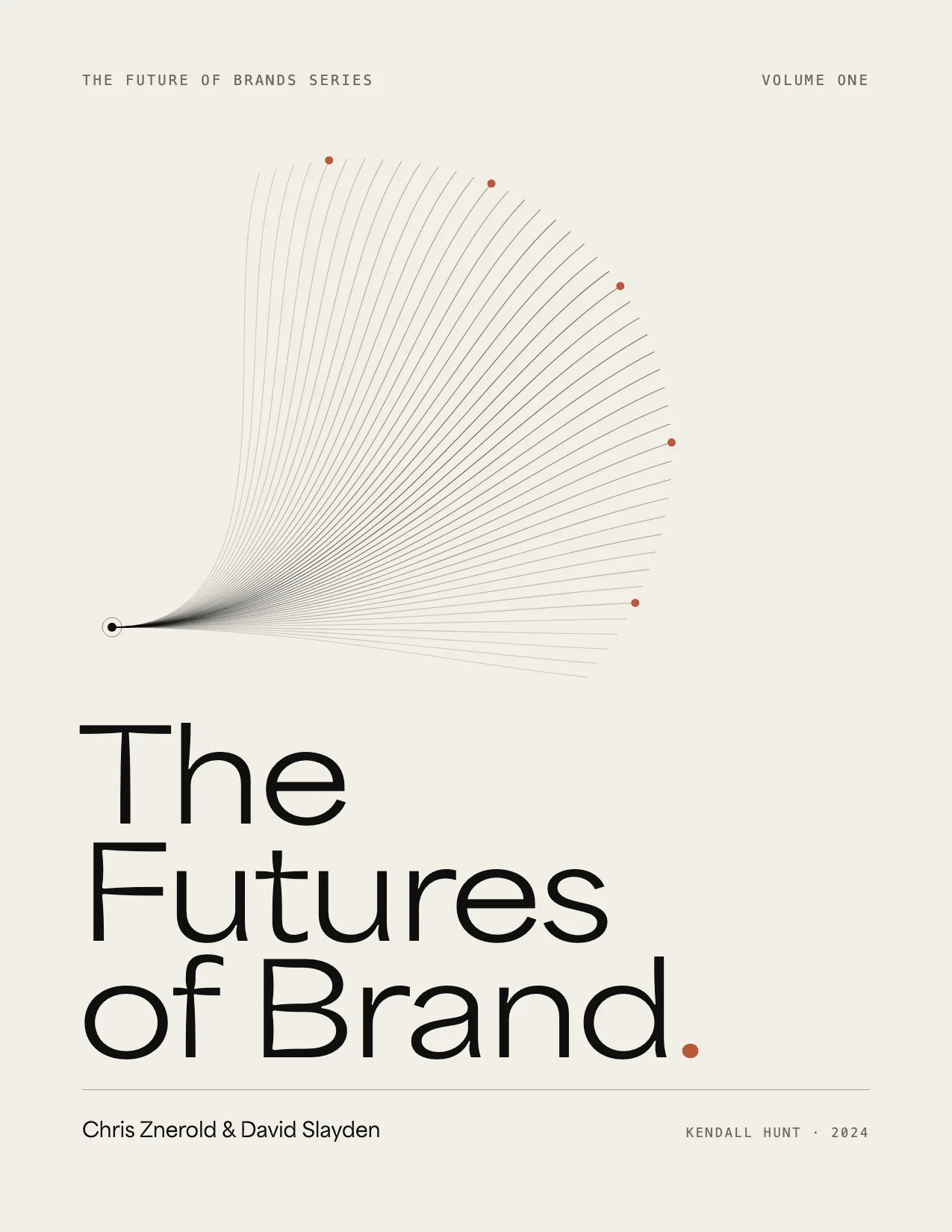
              <p className="v5-capture-copy"><b>The Futures of Brand</b>, which I co-wrote with David Slayden (Kendall Hunt, 2024): 316 pages on brand purpose, the value proposition, archetypes, voice, customer ethnography, the customer journey and product innovation, with a discussion guide after every chapter. Leave an email and read it here, in a page-flip reader, or take the PDF.</p>
            </FadeIn>
            {state !== "done" ?
            <FadeIn delay={350}>
                <form className="v5-capture-form" onSubmit={submit} noValidate>
                  <input className="v5-capture-hp" type="text" name="_honey" tabIndex="-1" autoComplete="off" aria-hidden="true" />
                  <input type="email" name="email" value={email} onChange={(e) => setEmail(e.target.value)} placeholder="you@company.com" aria-label="Your email" required disabled={state === "sending"} />
                  <button type="submit" className="v5-capture-btn" disabled={state === "sending"} data-cursor="Send me the book" data-cursor-style="cta">{state === "sending" ? "Sending…" : "Send me the book"}</button>
                </form>
                {err && <p className="v5-capture-err" role="alert">{err}</p>}
                <p className="v5-capture-note">One email with the book. After that, the occasional note on AI design engineering. Reply to stop them.</p>
              </FadeIn> :

            <div className="v5-capture-done" role="status">
                <h3>It’s yours.</h3>
                <p>The link is on its way to {email}. Or start now:</p>
                <div className="v5-capture-actions">
                  <a href={V5_BOOK.reader} target="_blank" rel="noopener" data-cursor="Open the reader" data-cursor-style="cta">Open the reader <span aria-hidden="true">↗</span></a>
                  <a href={V5_BOOK.pdf} className="is-ghost" download data-cursor="Download the PDF" data-cursor-style="cta">Download the PDF</a>
                </div>
              </div>}

          </div>
          <div className="v5-capture-cover" aria-hidden="true">
            <img src="/assets/docs/futures-of-brand/pages/001.webp" alt="" loading="lazy" decoding="async" />
          </div>
        </div>
      </div>
    </section>);

};

Object.assign(window, { V5Capabilities, V5LogoWall, V5AIEngineering, V5TeardownModal, V5Capture, V5_CAPS, V5_WALL });